Retail
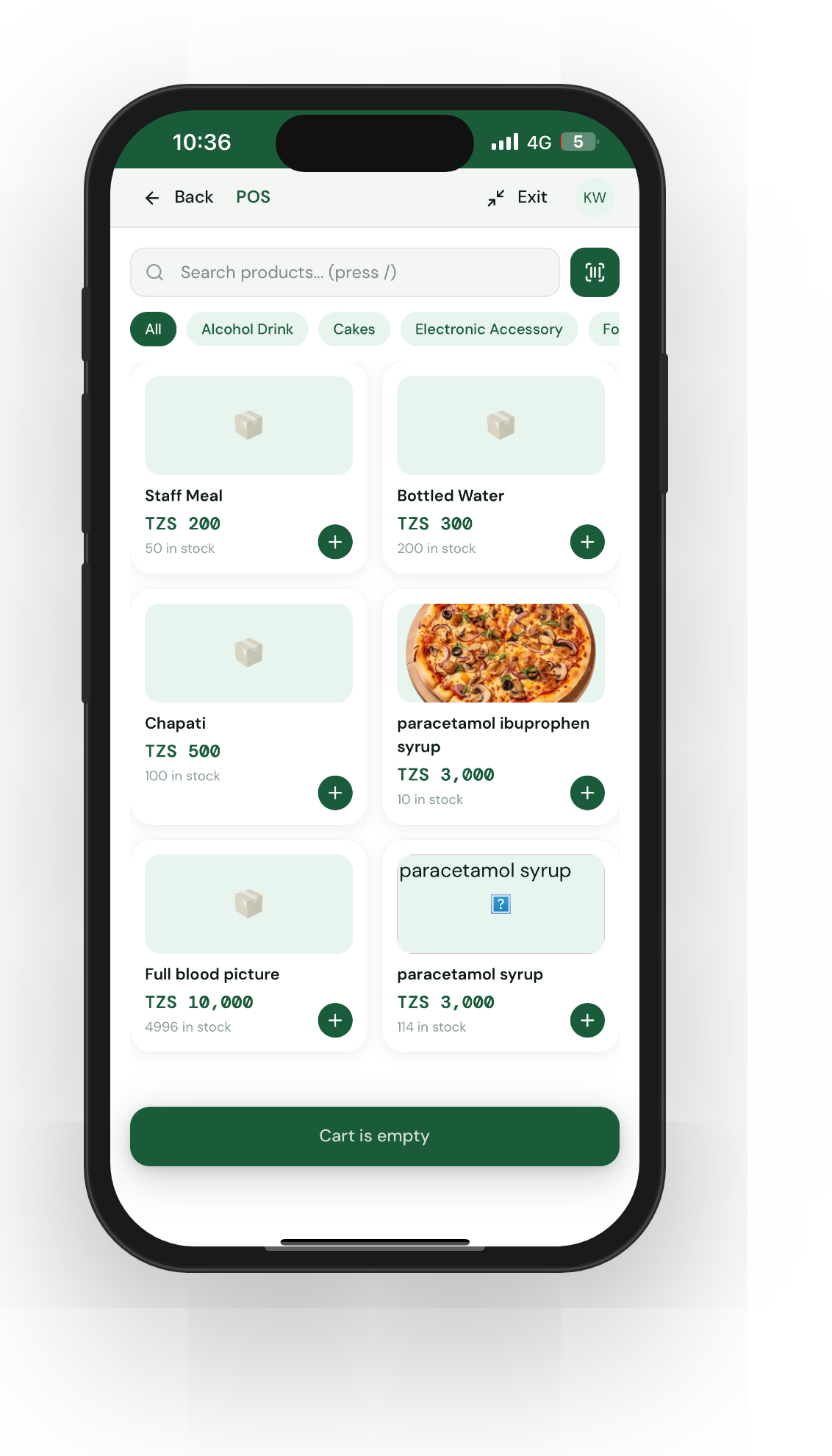
Getting started with Meku Business POS for a small retail shop
A step-by-step setup guide for shopkeepers running a rejareja-style retail counter — from creating your account to ringing up your first sale on Meku.

Step-by-step tutorials for shopkeepers, restaurateurs, pharmacists, and every kind of business in Tanzania. Pick your guide and get going.
A step-by-step setup guide for shopkeepers running a rejareja-style retail counter — from creating your account to ringing up your first sale on Meku.
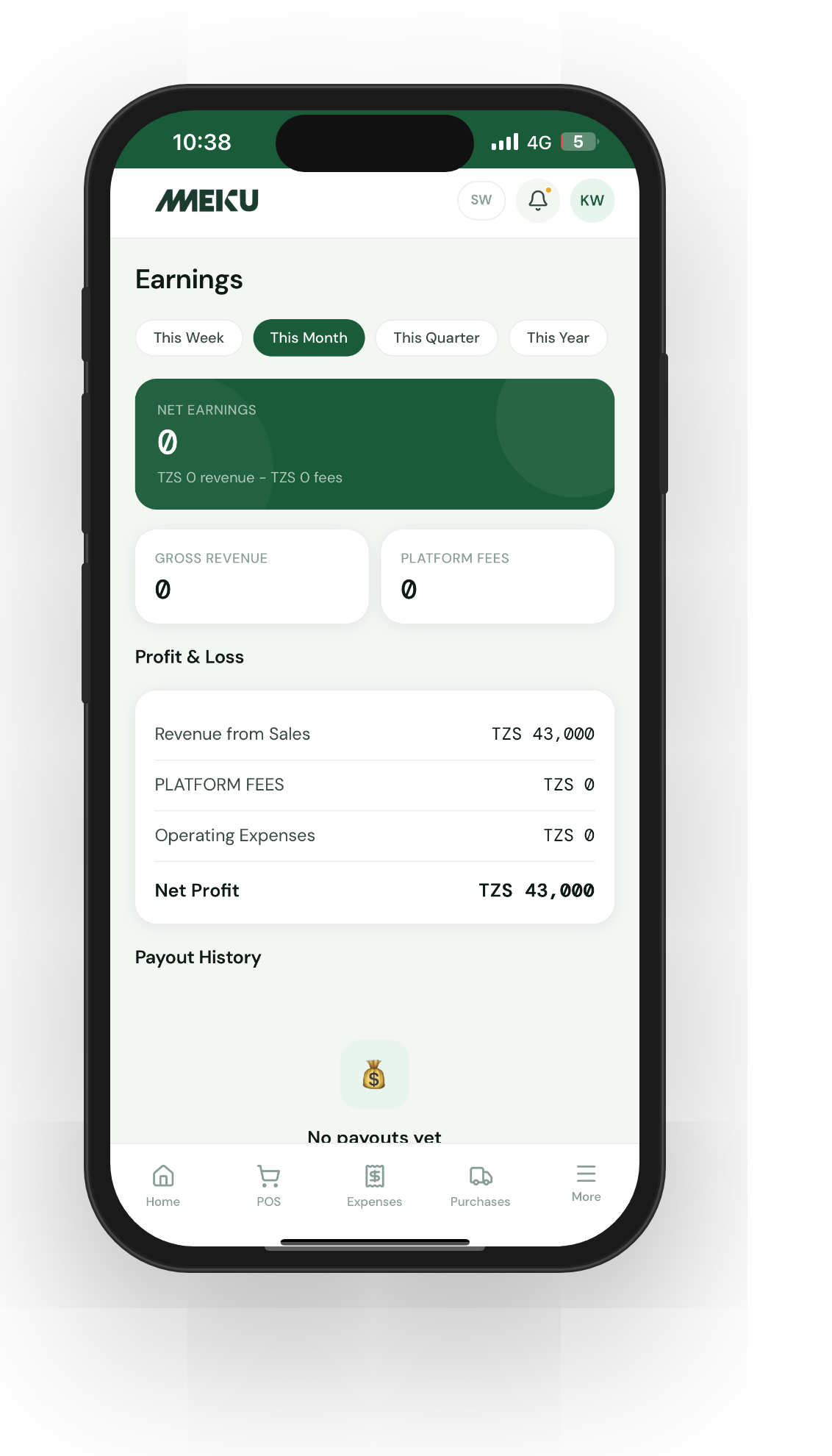
Walk through the three-state Meku order flow — Sold, Handed over, Paid — and the package details that keep Dodo deliveries from getting mis-priced.
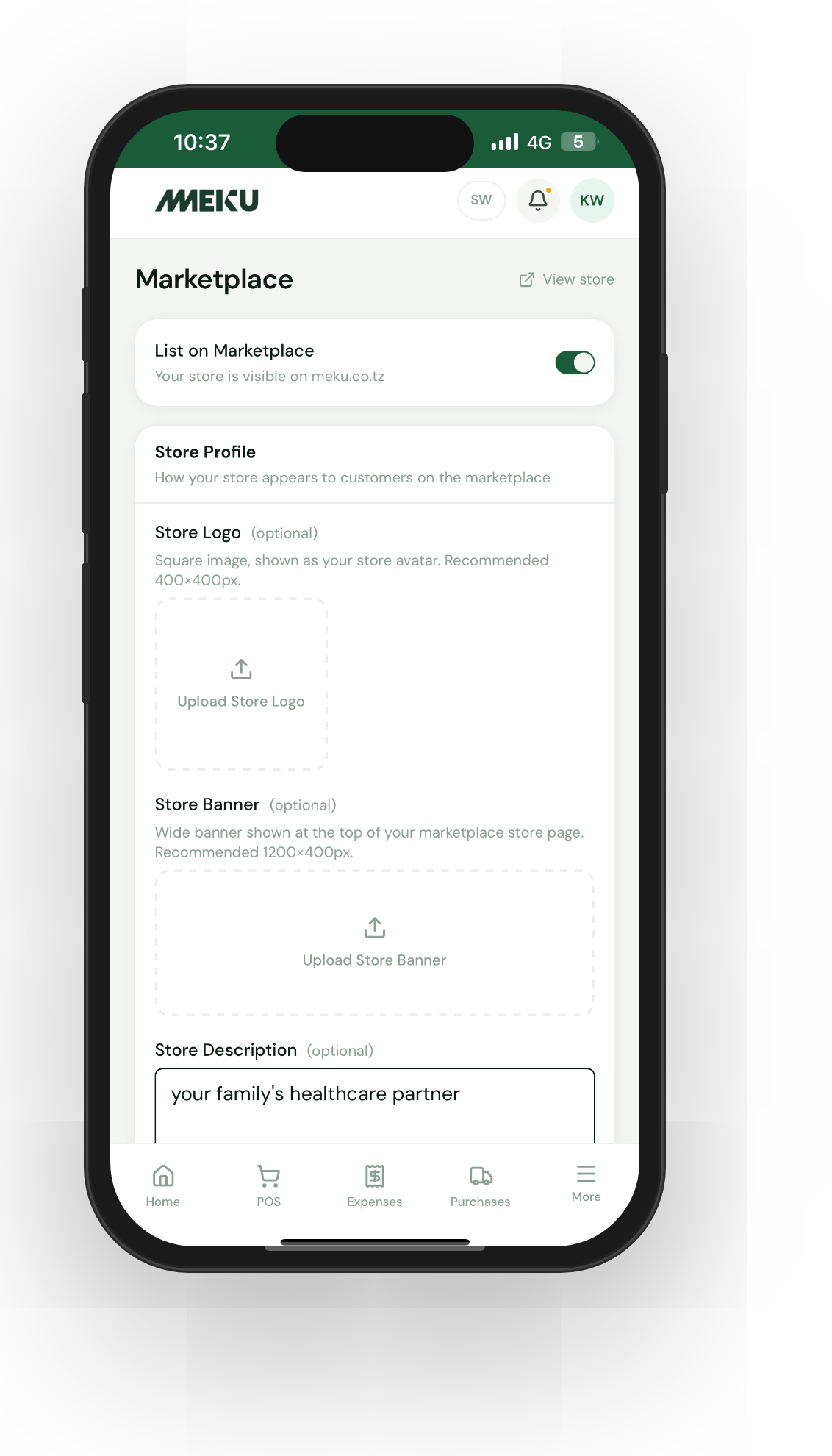
Get your shop in front of customers who don't know you exist yet — the marketplace listing, the support call, and the verified-purchase reviews that follow.
Twenty minutes of setup turns the default Meku storefront into one that looks like yours — brand colour, hero, announcement bar, socials, and logo.
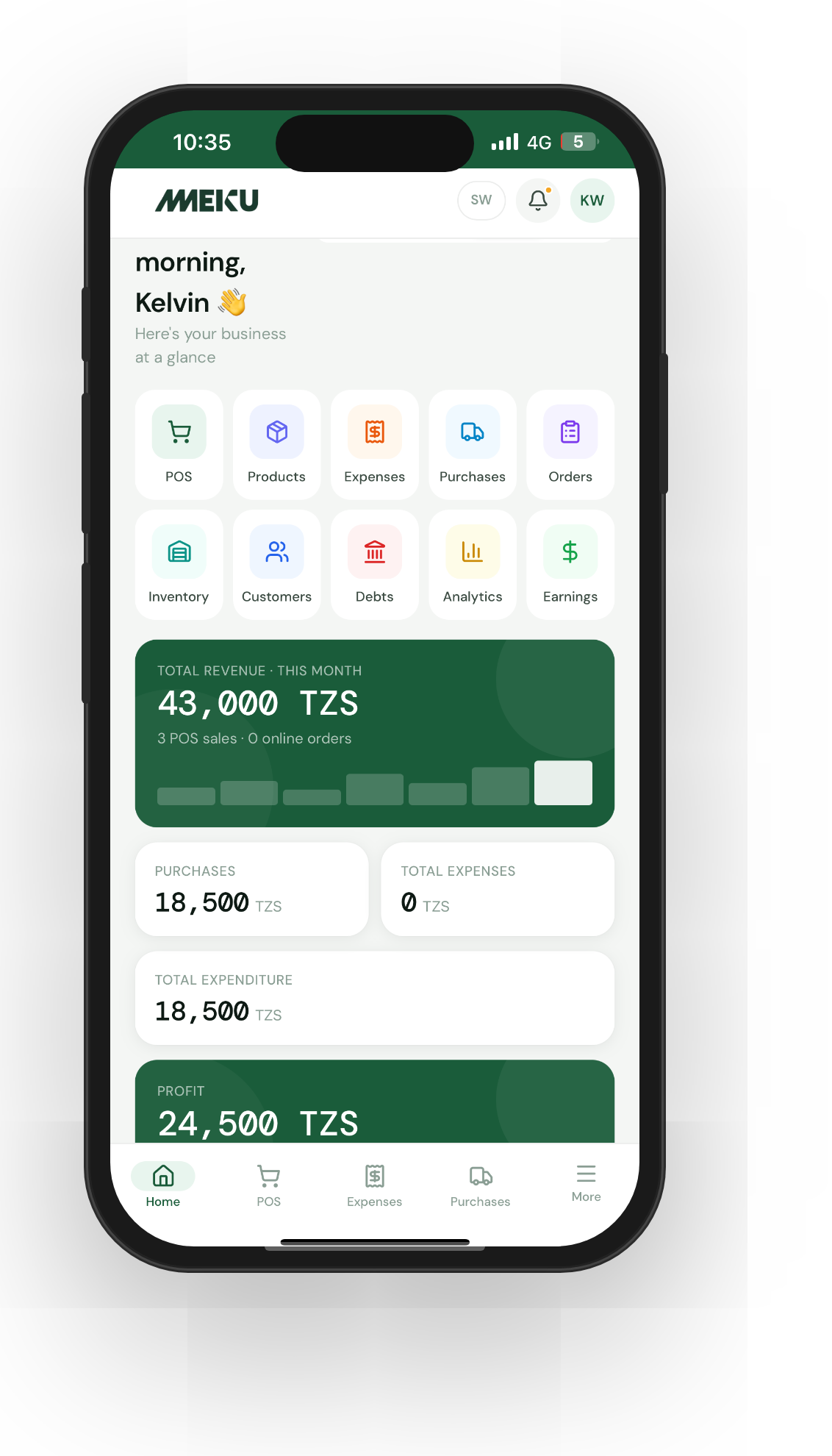
Set up staff accounts on Meku with the right permissions — let someone work the till while your prices, profit, and business numbers stay private.
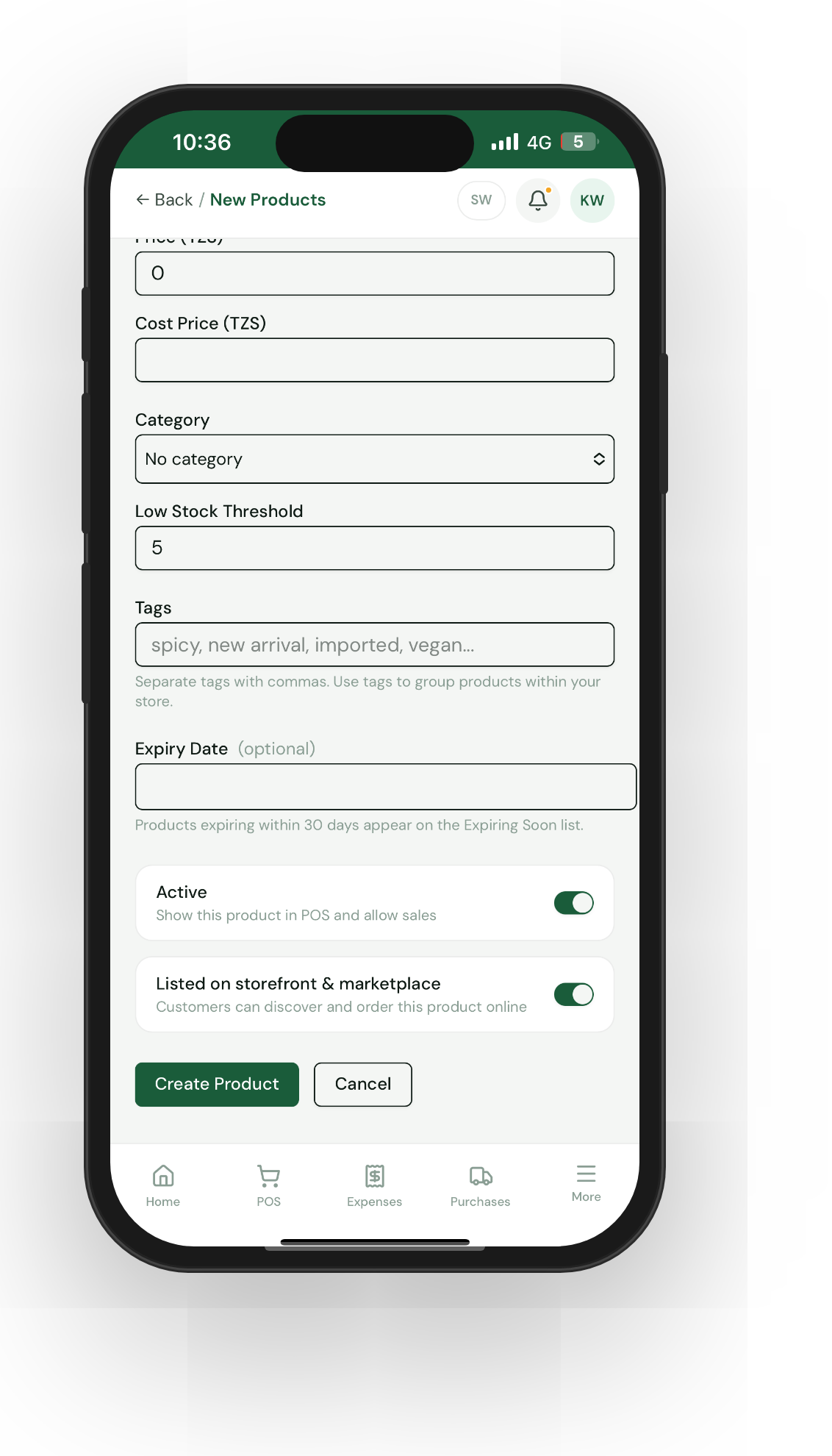
Bring your whole catalogue into Meku in a single upload — instead of typing each product one at a time.
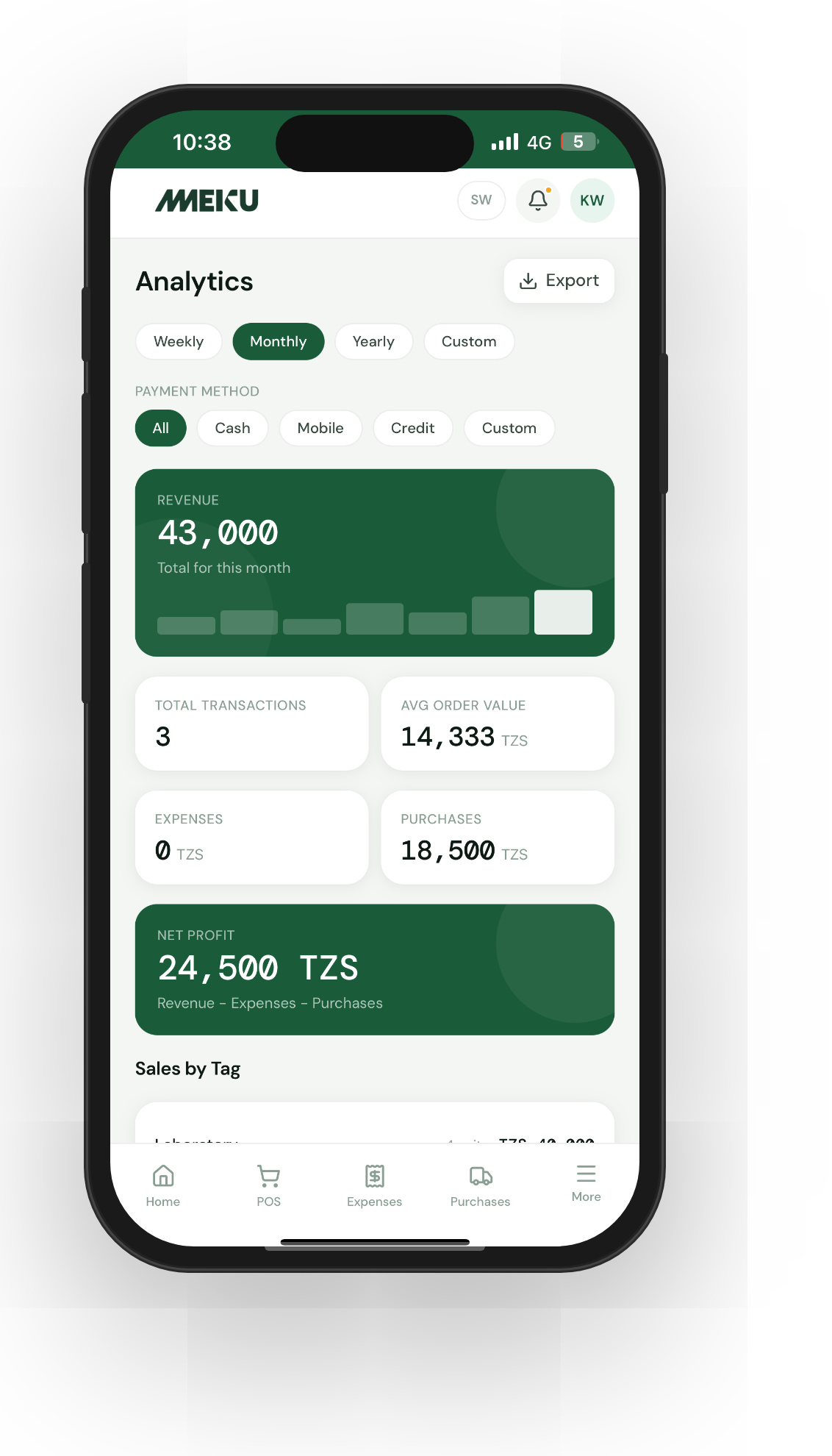
Use the analytics page to set prices with evidence — spot your margin makers, your traffic drivers, and the products you're quietly underpricing.
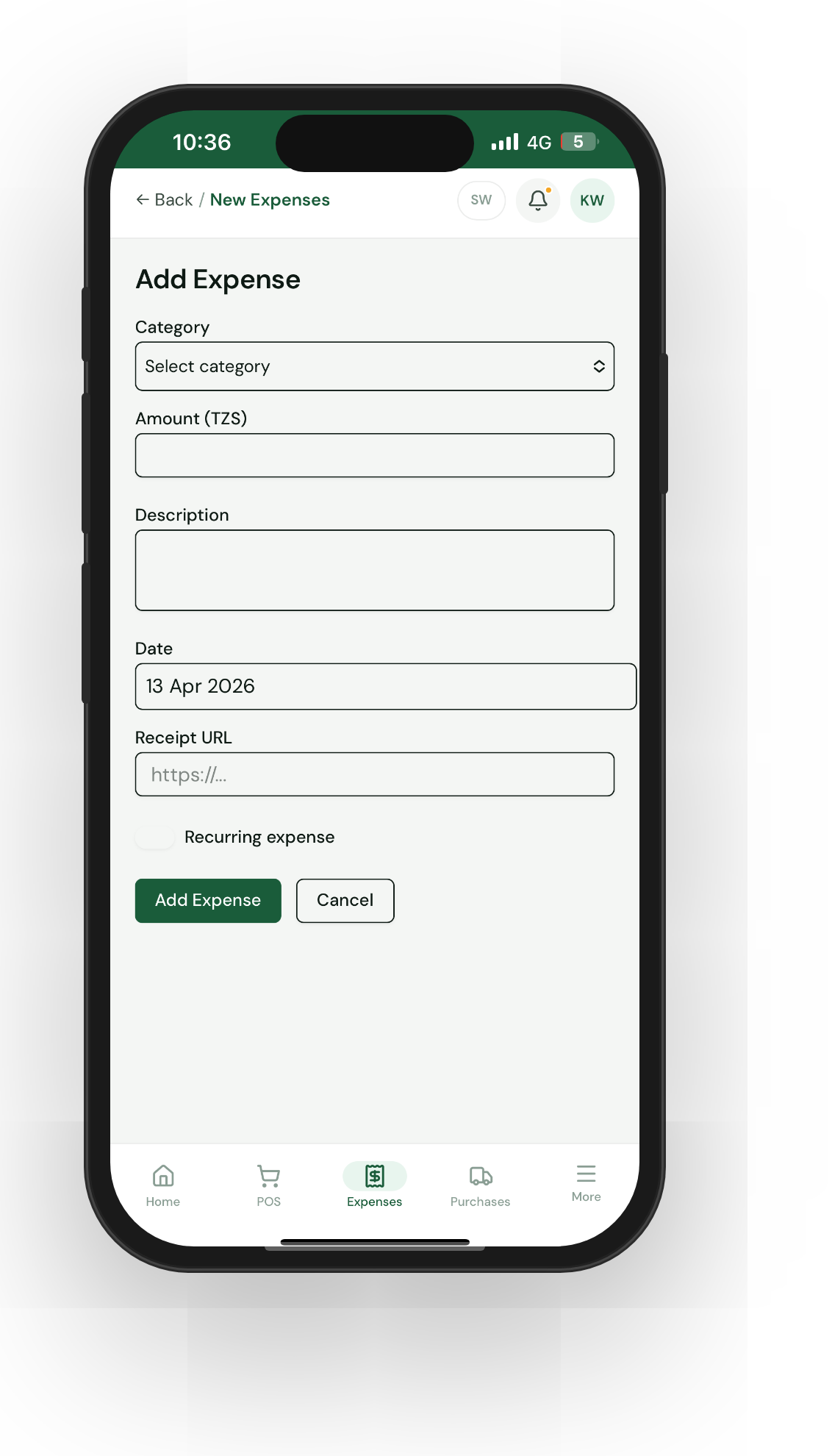
Record expenses as they happen, set up categories that match how your business actually spends money, and see what's eating your margin.
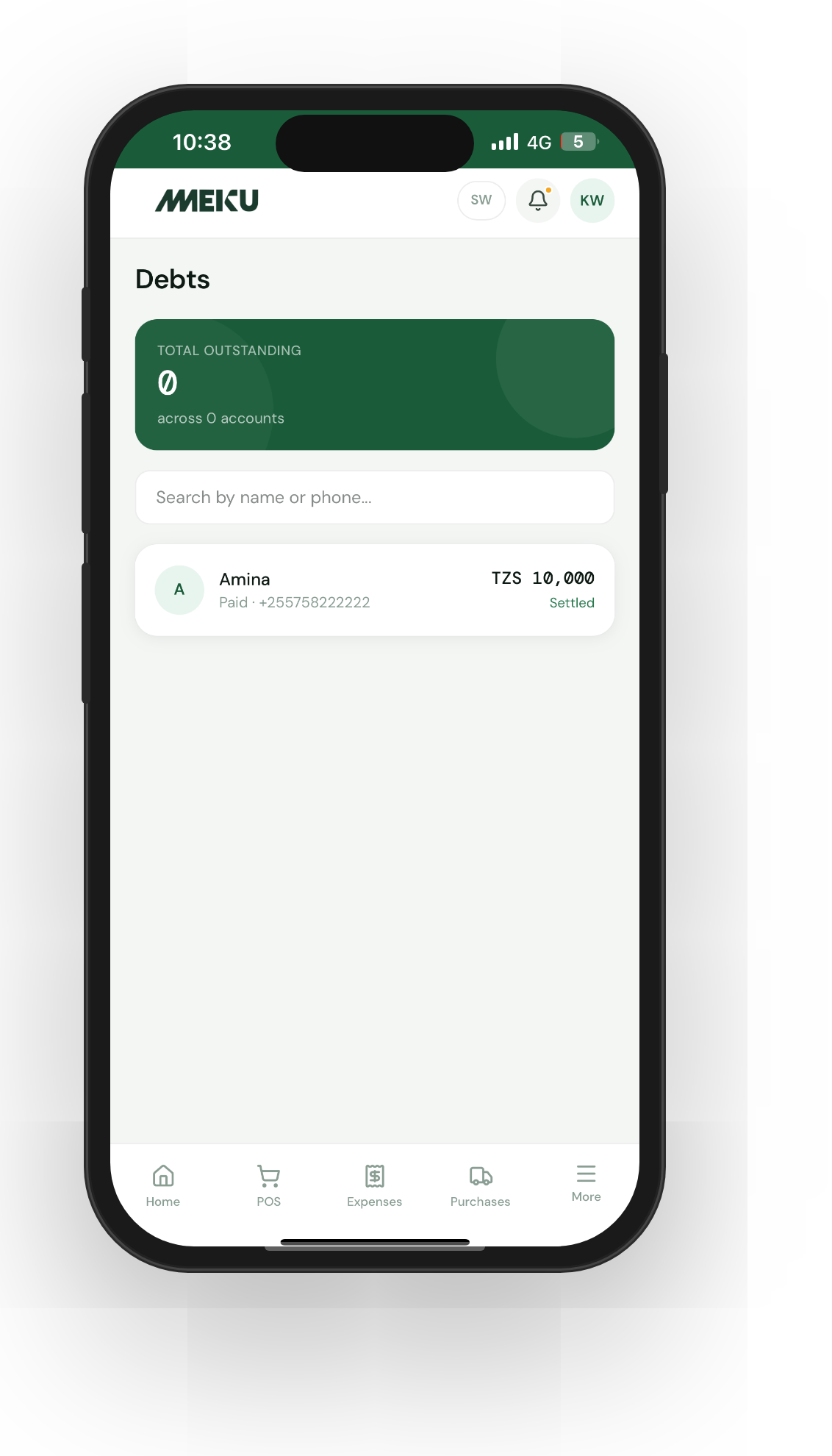
Capture credit sales at the counter, let Meku send polite Swahili reminders, and stop losing the small partial payments that paper systems forget.
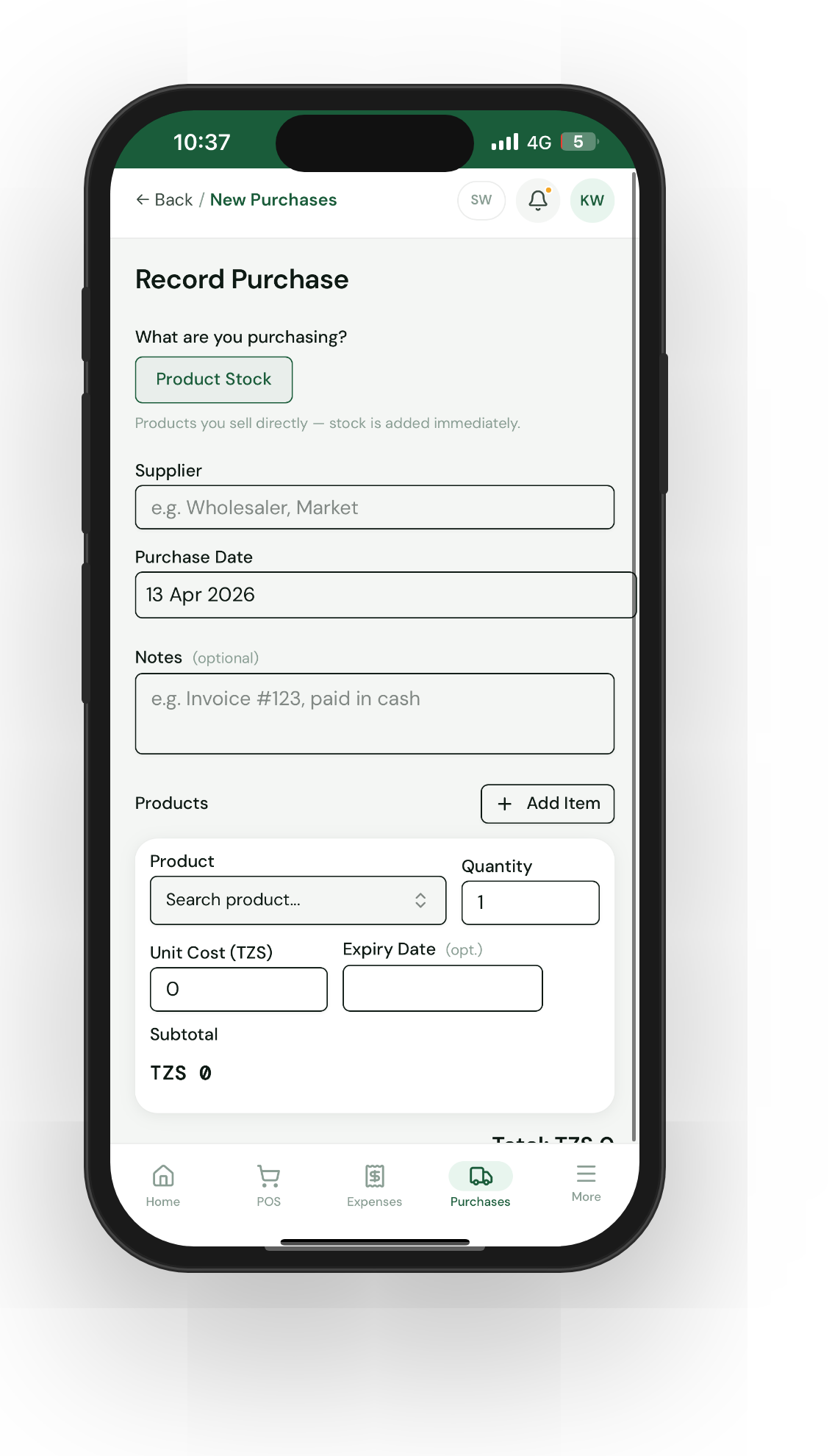
Use Meku's purchase recorder to add stock, track your suppliers, and keep your inventory honest — replacing the notebook of supplier IOUs.
Set up low-stock alerts, expiry dates, and manual adjustments on Meku so your inventory tells you when to restock — without a weekly count.