How to track credit sales and customer debts on Meku
Capture credit sales at the counter, let Meku send polite Swahili reminders, and stop losing the small partial payments that paper systems forget.
Selling on credit isn’t a flaw in your business — it’s how you keep your regulars. The flaw is the notebook page that lists “Mama Rashidi — sukari — 12,000” with no date, no phone number, and no record of the 2,000 she paid back last Tuesday. Meku fixes that, but only if you record the credit at the moment of sale, not from memory at the end of the day.
What you need before you start
- The customer’s name (whatever you actually call them — “Mama Rashidi”, “Mzee Kiosk”, “Salon Caroline”)
- Their phone number, if you have it (optional but valuable — see below)
- An understanding with the customer about when they’ll pay
Step 1: Pick Credit at payment time
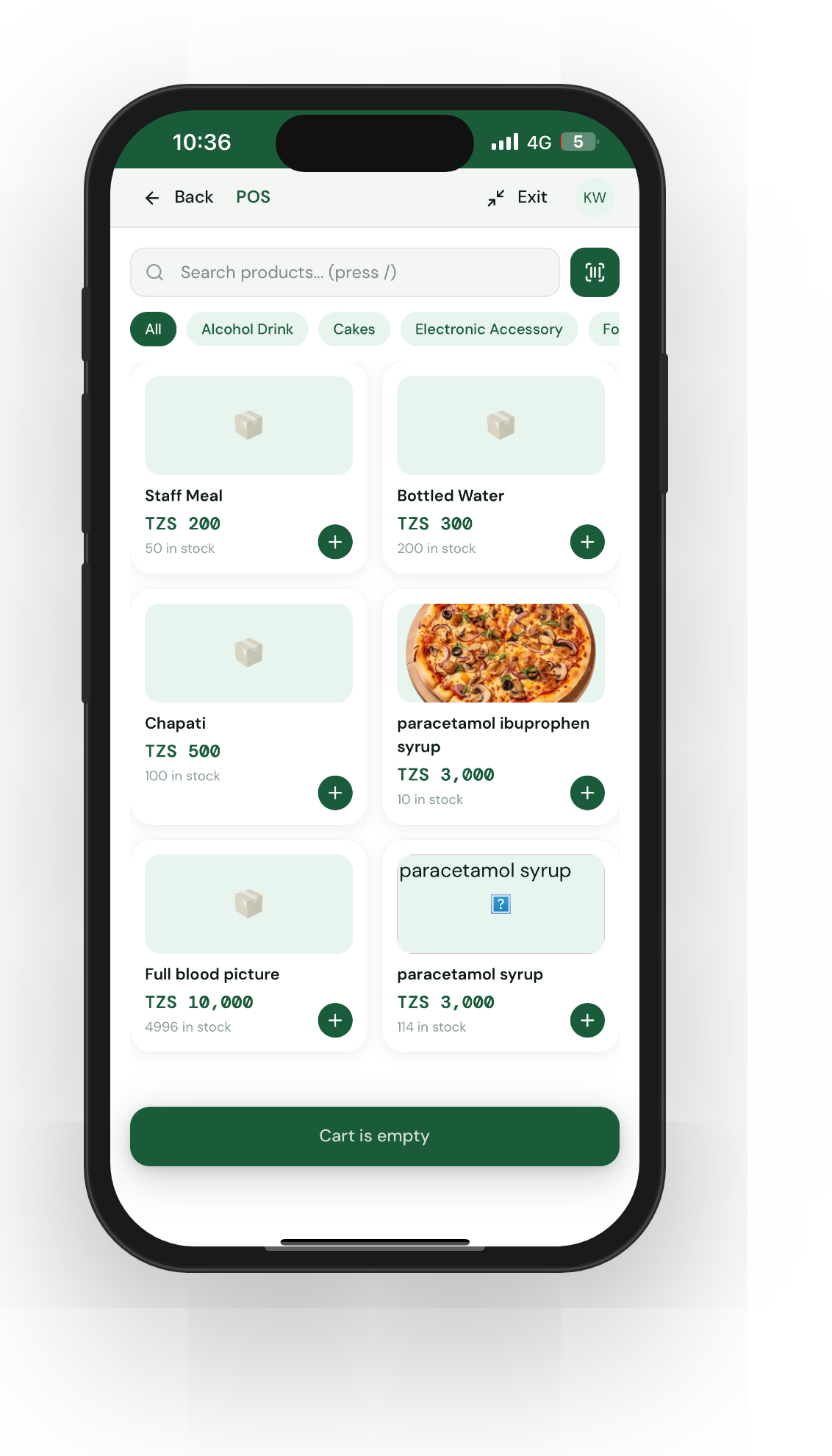
Ring up the sale like normal in POS — products into the cart, then on the payment screen tap Credit. Meku will ask for:
- Customer name (free text — write what you’ll recognise later)
- Phone number (optional)
That’s it. Tap Complete sale, the customer takes their goods, and the debt is recorded against their name.
Step 2: Add a phone number if you can get it
This is the one field that unlocks Meku’s automatic reminder system. If you have a phone number on the debt, Meku sends a polite Swahili SMS at 7 days, 30 days, 6 months, and 1 year — the kind of nudge that’s awkward for you to send personally but easy for a system to send routinely.
Without a phone, the debt is still tracked — you just have to chase it yourself.
Step 3: Check the Debts page weekly
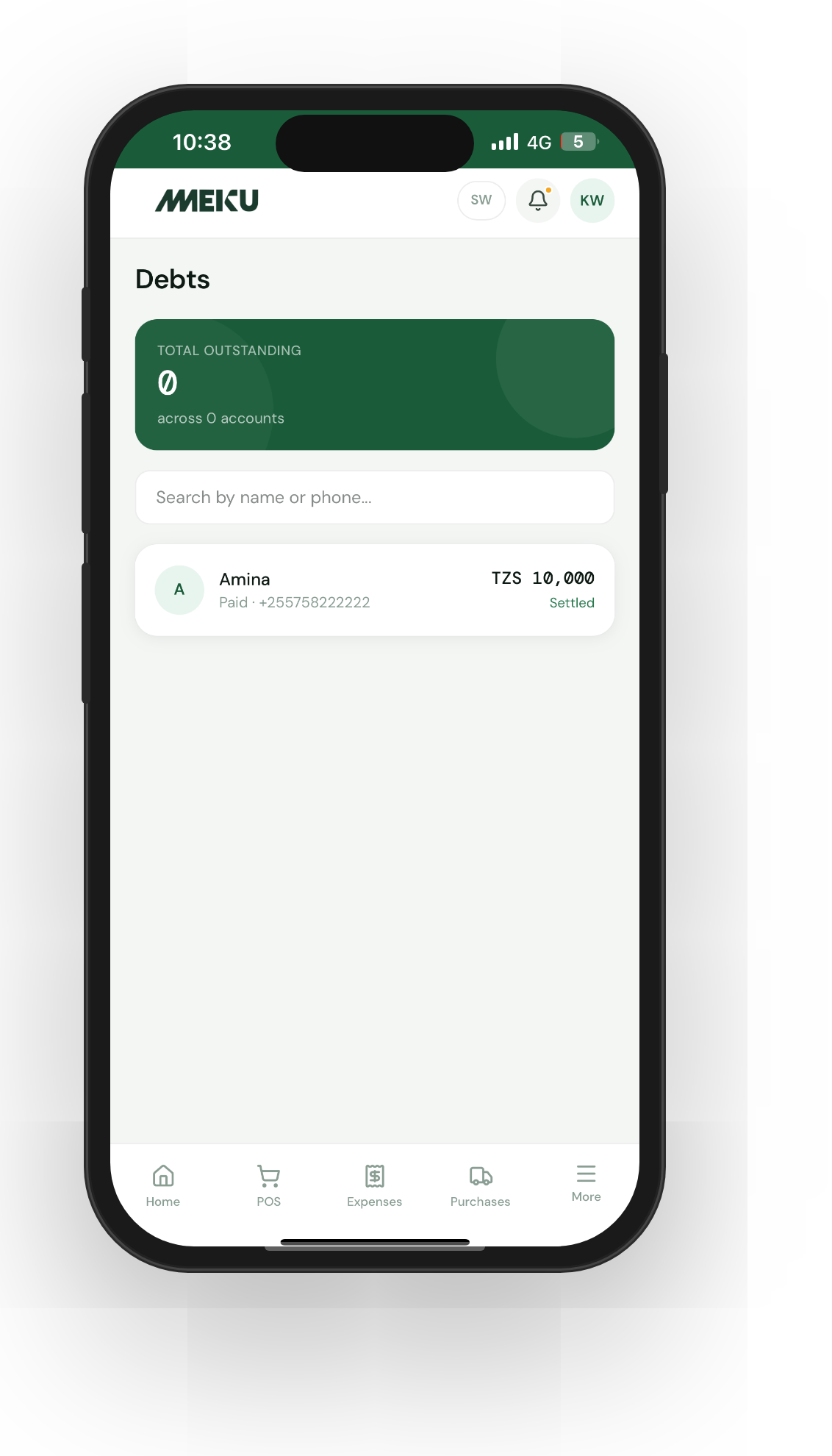
Tap Debts in the side navigation. You’ll see every outstanding debt with:
- Customer name and phone
- Original amount and amount still owed
- Age in days, colour-coded into buckets (7 days / 30 days / 6 months / 1 year)
- Last reminder sent
Sort by age. Anything older than 30 days deserves a conversation. Anything older than 6 months is at risk.
Step 4: Record partial payments
When Mama Rashidi pays you 5,000 of the 12,000, tap her entry and Record payment. Enter the amount, optionally a note (“paid in cash”), submit. The remaining balance updates, and Meku shows the running history of every payment.
This is the part most paper systems get wrong — partial payments either get lost or the whole debt is rewritten badly. Meku tracks the original amount, every payment, and the running total separately.
Tip: When a regular asks for credit and you’ve got a phone number, always enter the phone — even if you trust them. Trust is for your relationship; the SMS is for memory.
Step 5: Settle when it’s paid
When the debt is fully paid, tap Settle. The debt moves out of your active list (visible in the Settled tab) and is now part of that customer’s history with you, not your weekly worry list.
Common questions
Is the customer name linked to their other purchases? Yes — if you entered a phone number. Meku links debts to the central Customer record, so the same Mama Rashidi shows up across her debt history, her past orders, and her marketplace activity if she uses one.
Can I disable the SMS reminders? Not per-debt currently — they’re on for every debt with a phone number. The 7-day reminder is gentle and the language is designed to keep your relationship intact.
Can my staff record credit sales too? Yes. Staff have POS access, including the Credit option. The Debts page is also visible to them so they can record payments at the counter.
What to read next
- How to track stock on Meku without counting every day — keeping your inventory in step with credit sales.
- How to set prices using Meku analytics — spotting whether your credit customers are eating your margin.
- How to track business expenses on Meku — recording the offsetting costs that affect the same margin.
Open merchant.meku.co.tz/debts to see who currently owes you.